
About us
A passion for Microsoft collaboration
Collab2G was founded by an enthusiast of Microsoft collaboration tools, with one lifelong specialty: SharePoint intranets.
Our story
Over 20 years serving the corporate intranet
Back in 2001, our founder was working on a first intranet project. The projects followed one after another: major cities in Quebec, large insurers, private companies. Work recognized in the industry for its quality.
More than twenty years later, that adds up to more than ten large-scale intranets delivered successfully, an expertise now multiplied by AI. Collab2G puts it to work for small and mid-sized businesses, where it makes the biggest difference.

Who is behind Collab2G
Collaboration tools specialist

Gilberto Rancourt
Founder and President of Collab2G
A functional architecture advisor and Microsoft practice lead, he guides organizations through the design and rollout of their SharePoint intranets, the adoption of Teams and the Power Platform as well as custom development.
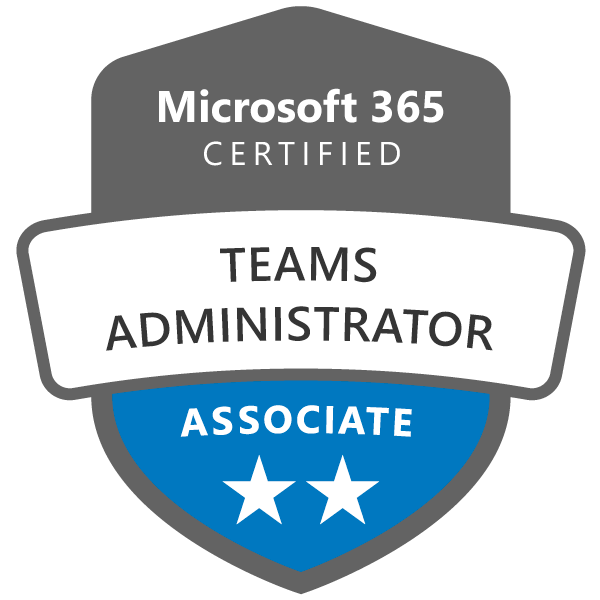
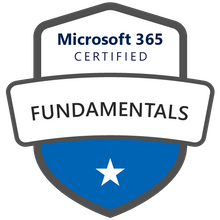
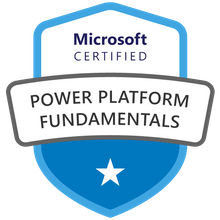
Holder of a bachelor of computer science and an MBA in electronic business, he combines business vision with technical expertise. Microsoft certified (Teams, Microsoft 365, Power Platform).
Our methodology
From idea to production
A working prototype from the start, then quick rounds with your teams until it's right.
- 01
Analyze
Your business need, your processes and your users, mapped out in a few short workshops.
- 02
Prototype
A first working version, delivered in days, that your teams can try right away.
- 03 ⇄ Repeated
Test
Your users try it on real cases and share their feedback.
- 04 ⇄ Repeated
Adjust
Changes are built in quickly with the help of AI. Then we test again.
- 05
Deploy
Installed in your Microsoft 365, with your tenant's security, plus training for your administrators.
Have a collaboration project in mind?
Let us talk it through together, no strings attached.
Contact us